What we ship today
The ordering system, end to end
Orders arrive on your own page instead of in your DMs. The counter works them through a queue, your riders get their own screen, and the owner reads the day at the end of it. One system, four surfaces, and the shop keeps its own name on the front.
What your customer sees
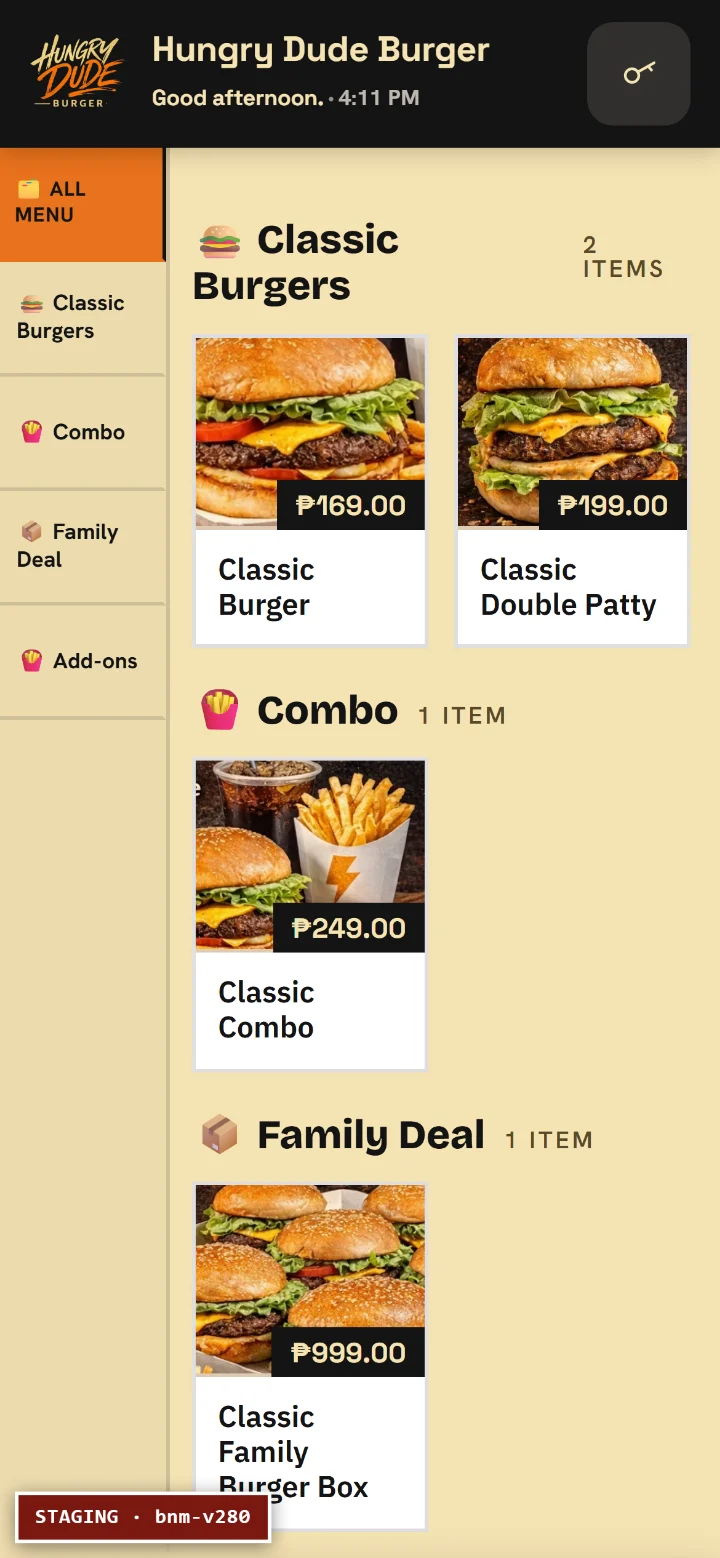
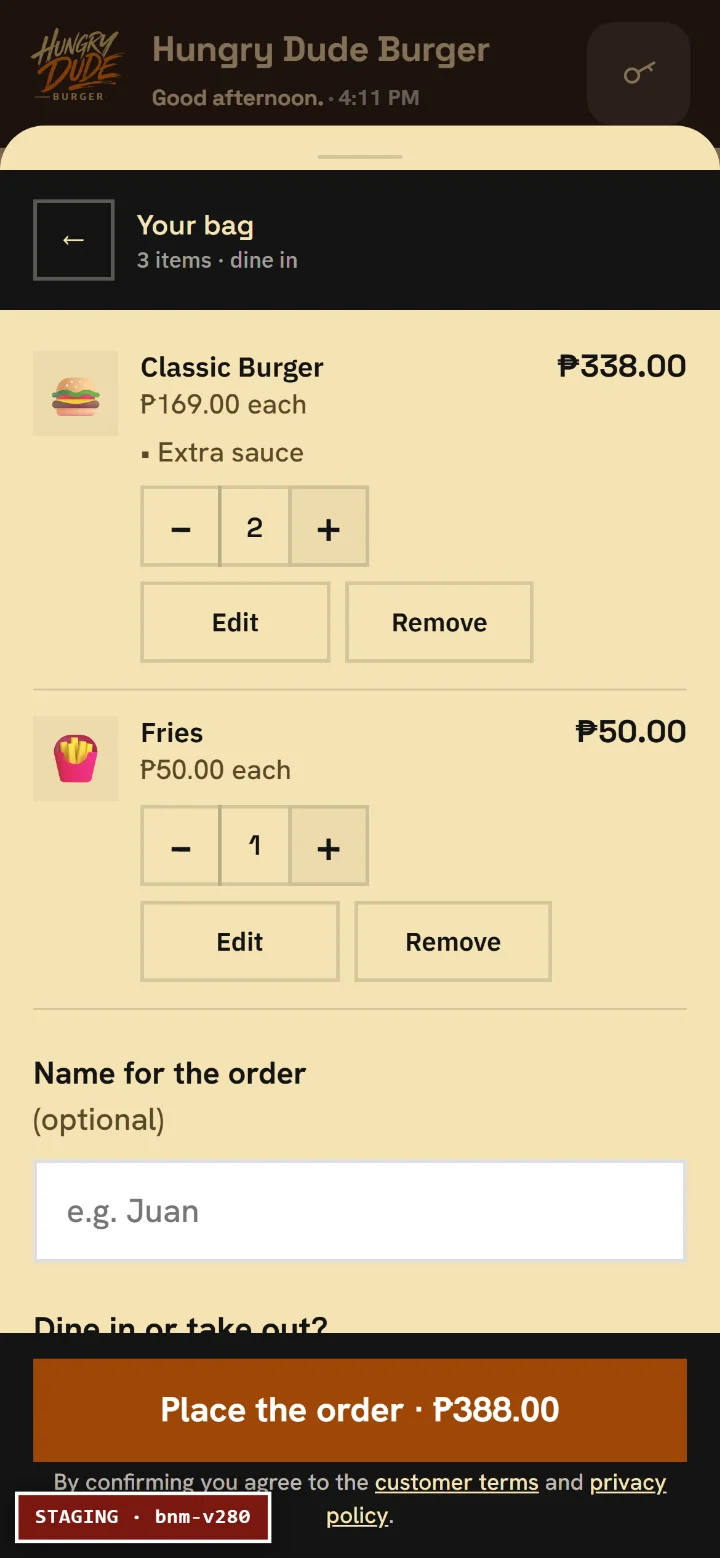
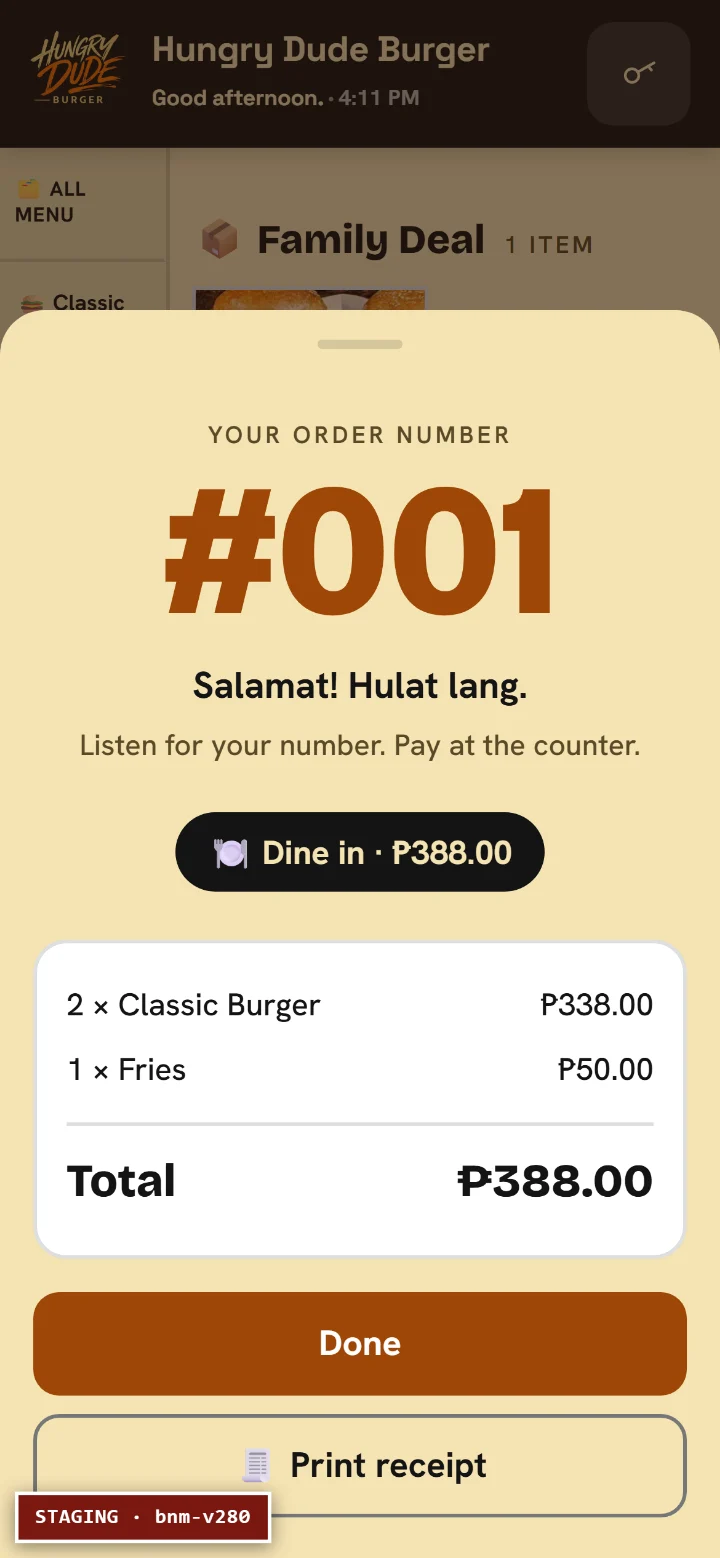
They scan a QR or open your link. Photo menu, options and add-ons, pick-up or delivery, and a total that is exact to the centavo. They pay online, or cash on delivery where you allow it. Then they get a screen that keeps them posted while they wait, so nobody has to message you asking whether the food has been started.
Your opening hours close ordering on their own, so nobody orders at 2am and finds out in the morning that there was nobody there.
What your counter sees
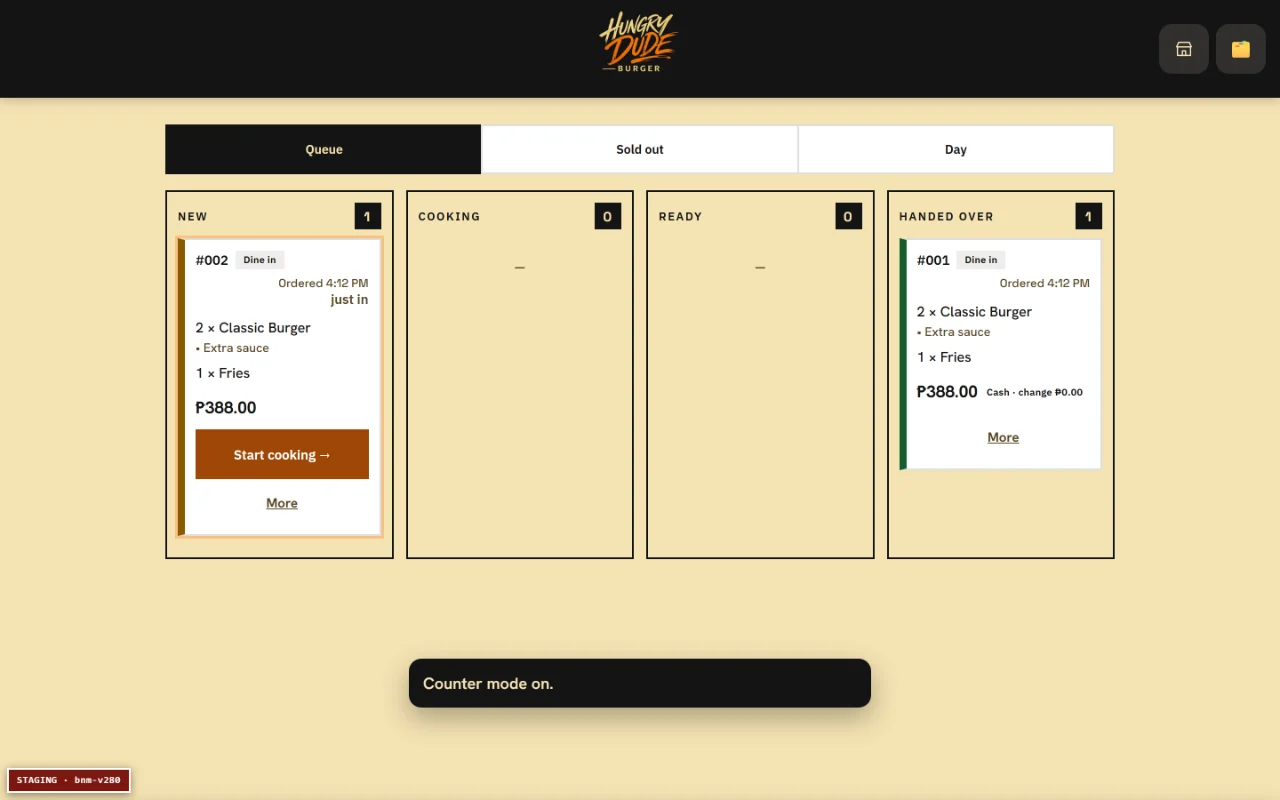
New, cooking, ready, handed over. One card per order moving along the queue, with a bell when something needs attention. The till gives exact change to the centavo, marks items sold out the moment they run out, and closes the day with totals that add up.
It runs on a tablet, a laptop or a phone, and it keeps working when the internet does not. Orders taken during an outage sit on the device and go up when the signal returns, which is the difference between a slow afternoon and a lost one.
What your rider carries
Riders get their own screen with only their own jobs on it. The customer watches the rider approach on a map, and the two can message each other without swapping phone numbers. At the door the rider photographs the hand-over, so a delivery somebody says never arrived has an answer rather than an argument.
Your delivery and packaging fees are your own, and they are applied exactly as you set them.
What the owner reads
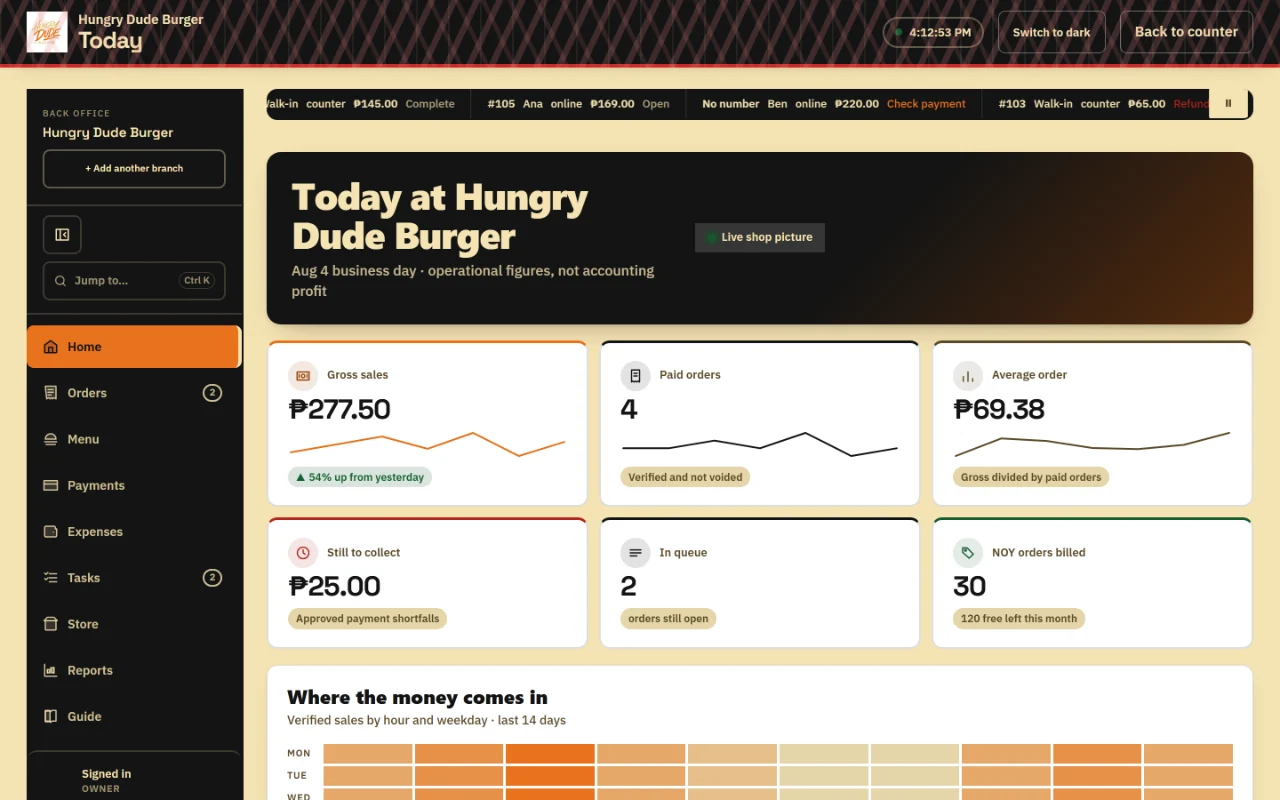
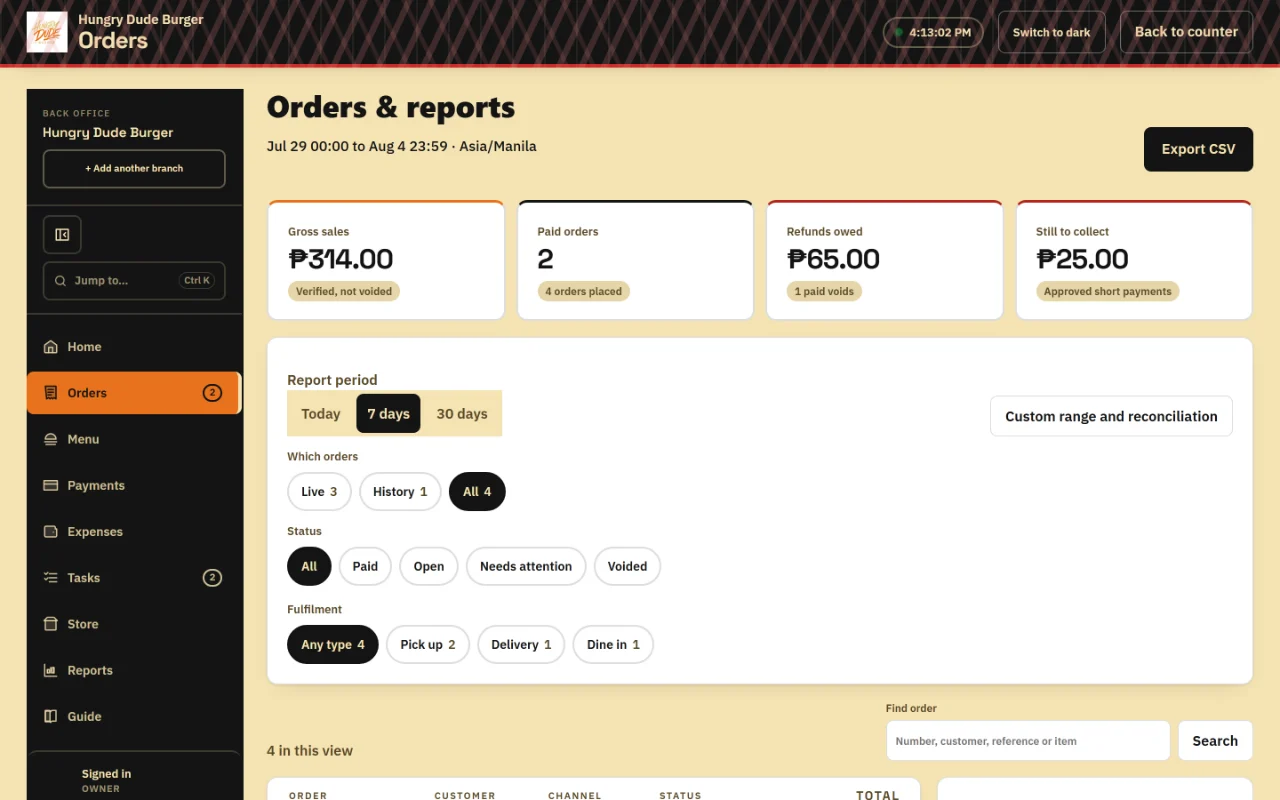
The back office is for the owner who wants to stop guessing. Sales by hour and weekday, the split between cash and online, which items actually earn, a centavo-exact export for whoever does your books, staff access, tasks, and a cost ledger you record against the takings. It is also where you read the ratings and the written feedback your own customers left.
One thing it will not do is call a figure profit. It shows an operating balance, which is verified sales less the costs you entered, and it says plainly what it does not know: stock consumed, tax, depreciation, and anything you did not record.
In development
A booking system for the businesses that sell time rather than plates. Inventory. Automatic payment confirmation. Printed tickets. An assistant in the back office that answers questions about your own figures. These are on the build list, and we will say so plainly when each one is ready rather than before. Tell us which one breaks your week and it moves up the list.
See it running in your own brand
We put your colours, your logo and your menu on it before the demo, so you are looking at your own shop rather than somebody else's. Nothing to sign, and we will tell you exactly what anything costs before it is agreed.
Book a free demo