Your food business, connected.
NOY brings your own ordering page, counter and kitchen together, so your team can keep orders moving.
Book a free demoBuilt in Cebu for Filipino food businesses. Your payments go straight to you.

Follow one order.
See how the parts of NOY work together, from the customer to your counter and beyond.
Orders arrive already written down.
Customers order from your own page. Their order reaches the counter without copying it out of a chat.
Explore product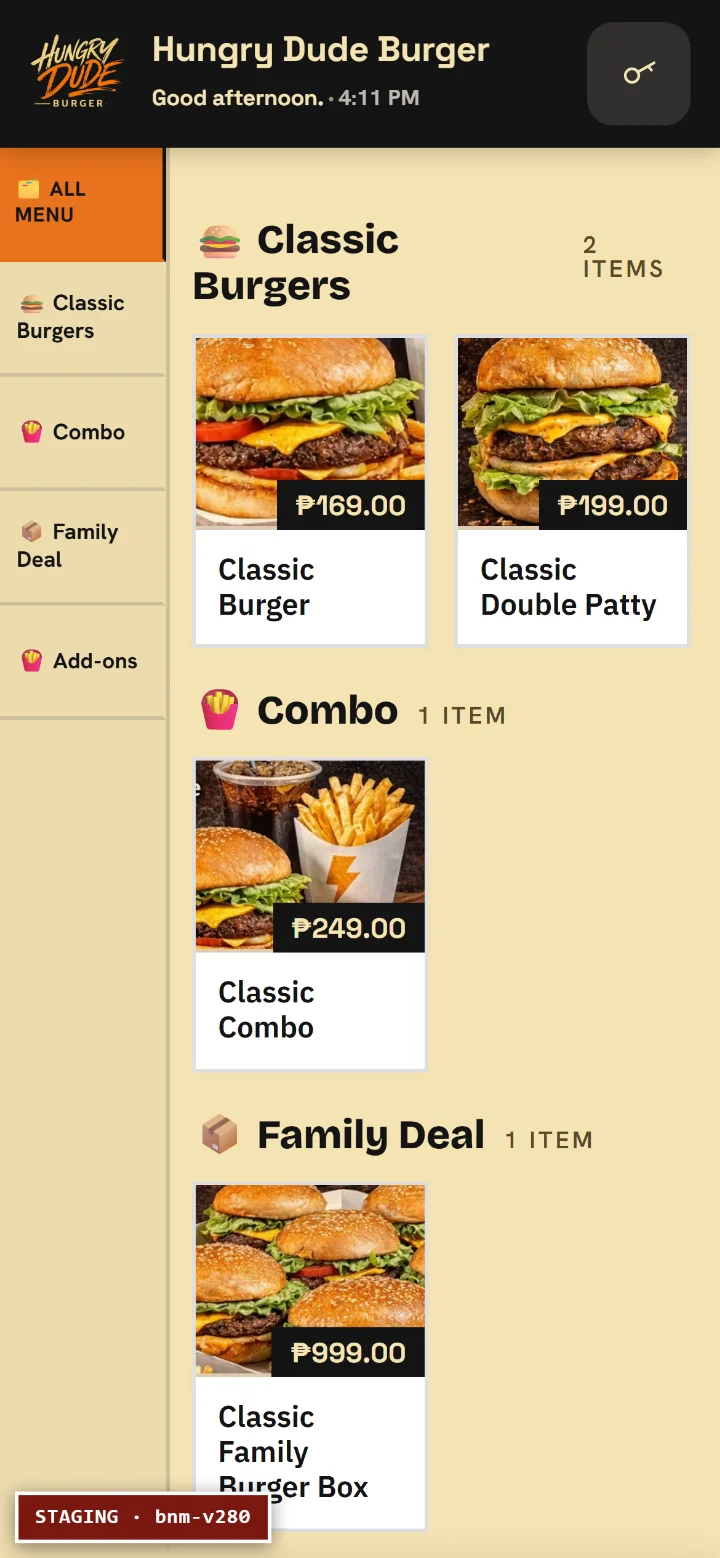
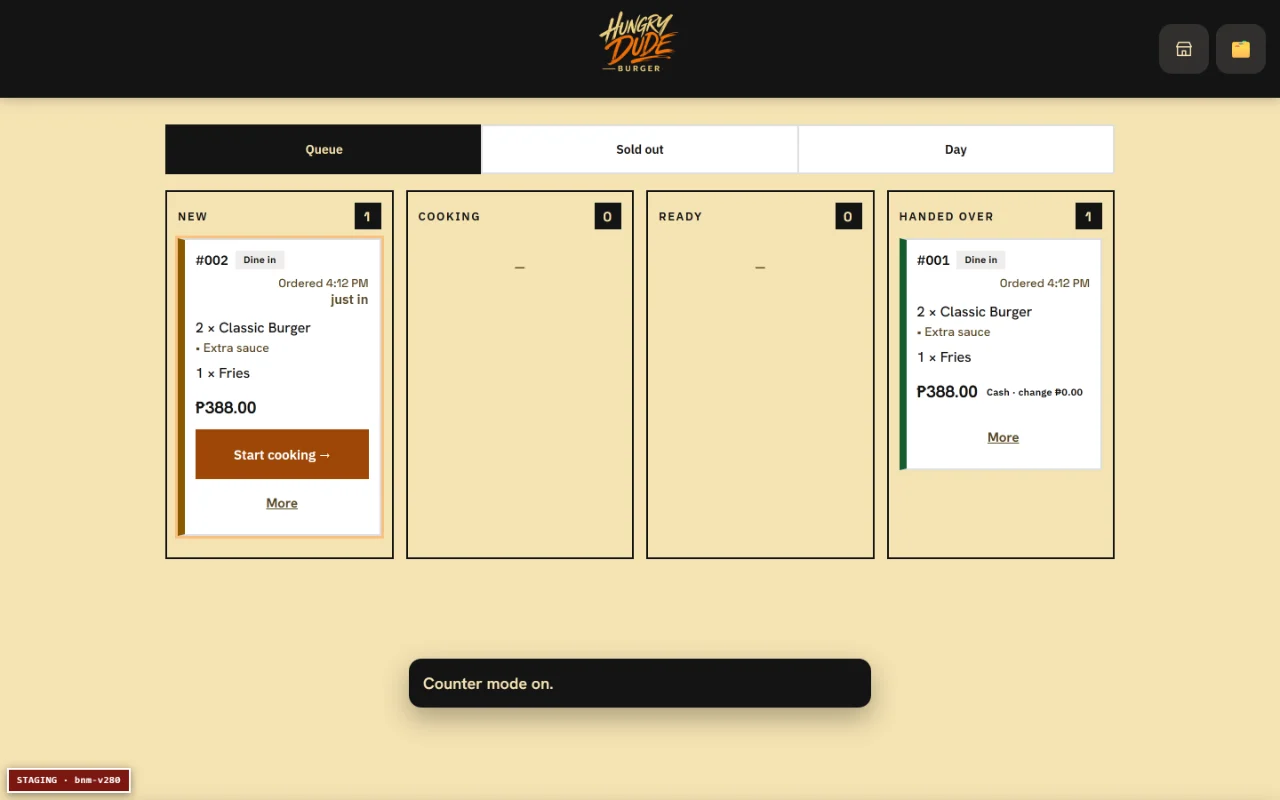
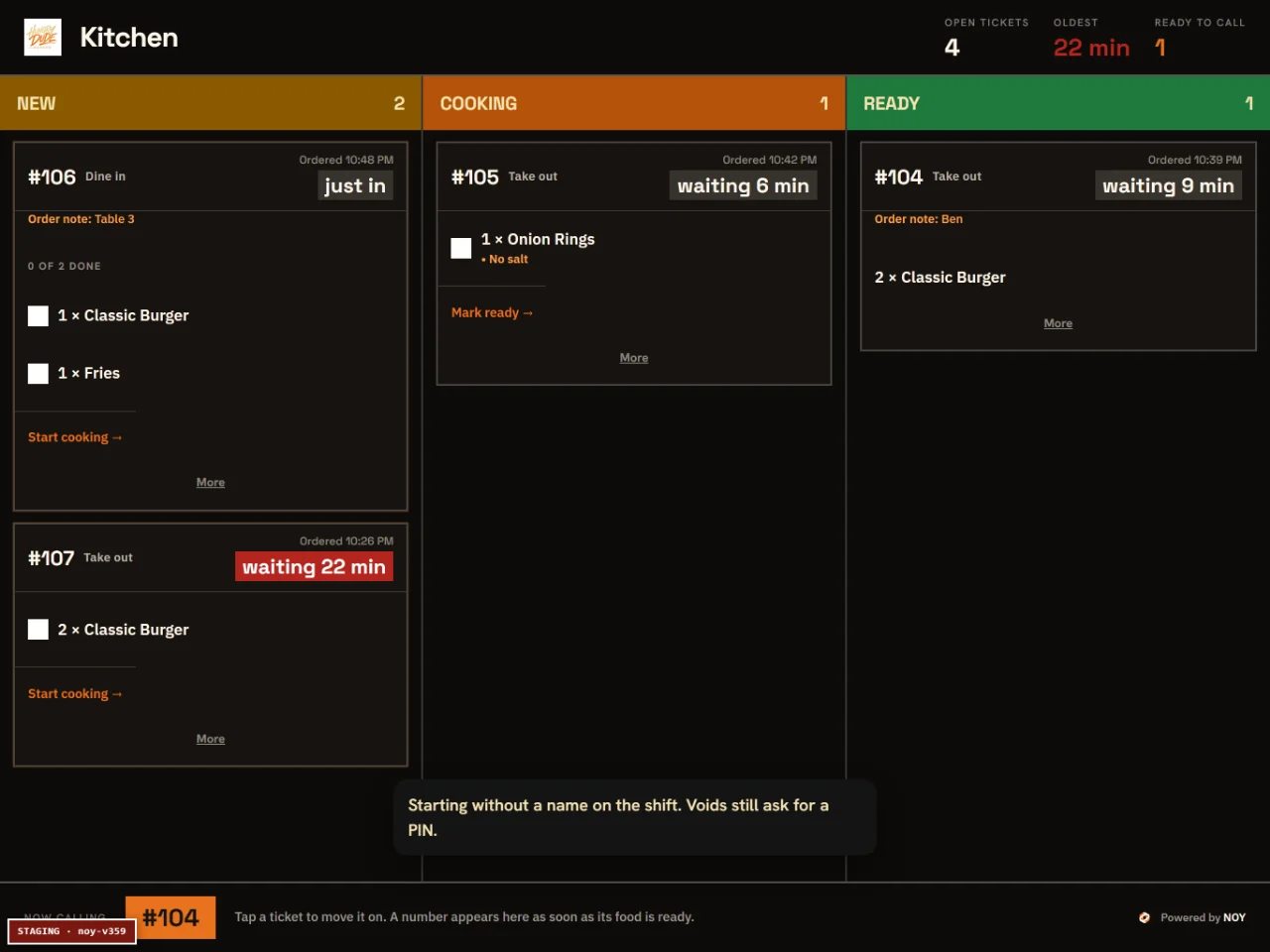
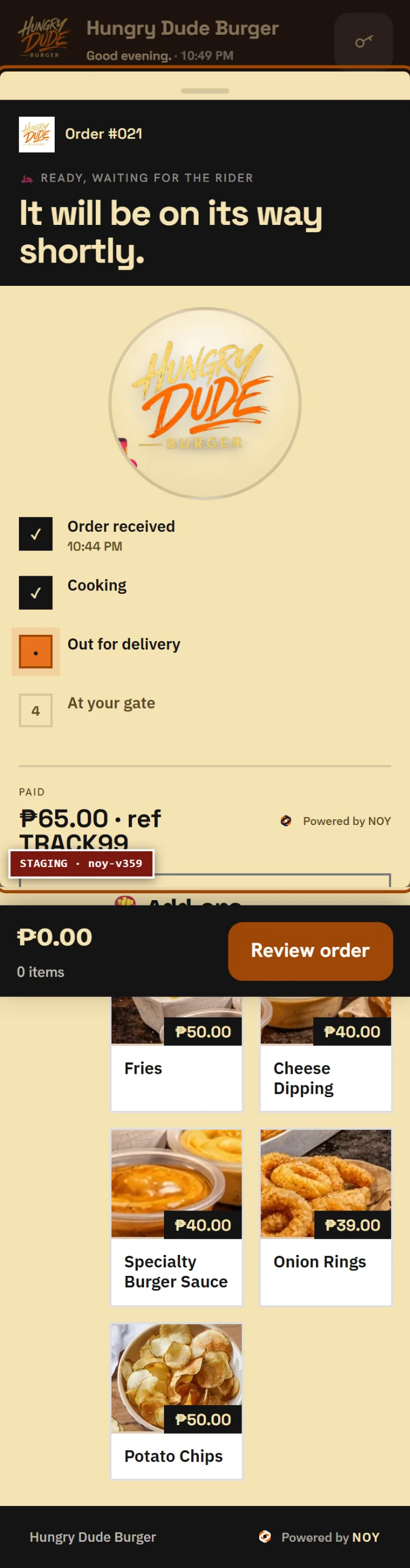
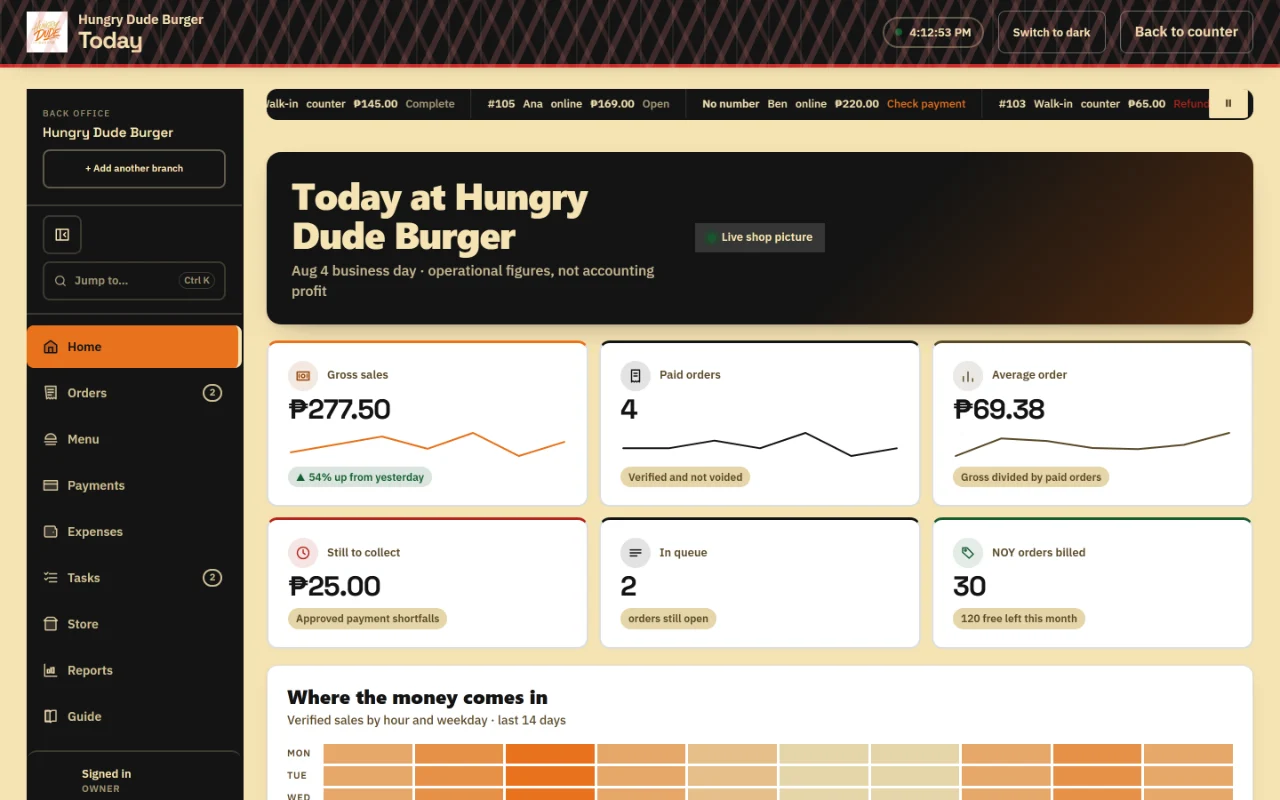
Real NOY screens. Example data.
Walk-ins and pick-ups use the parts they need. Delivery has its own rider screen.
More than the ordering page
The rest of your day,
connected.
Five parts of one system. Follow the part that matters to your shop.
NOY Ordering
Customers order by link or QR, with orders arriving at the counter already written down.
Explore Ordering 02NOY POS
Take walk-ins, check payments and work through the order queue, even when the signal drops.
Explore POS 03NOY Kitchen
See what needs cooking, mark it ready and keep the counter in step.
Explore Kitchen 04NOY Delivery
Assign jobs, track progress and keep the customer informed through the hand-over.
Explore Delivery 05NOY Back Office
Review sales, payments, expenses, orders and customer feedback in one place.
Explore Back OfficeYour counter keeps trading through a signal drop. It saves orders on the device and syncs later.
Use your own device. Explore optional hardware →
Made for your working day.
From the first order to the last hand-over, NOY helps your team see what needs doing next.
Your shop keeps its own name, menu and payments. Start with the parts that fit the way you work.
Meet NOY →From the NOY blog
A little help for your next move.
Take online orders without the chat chaos.
The ways to take orders online, and how to choose what fits your shop.
Read the guide Your ordering pageTurn a QR code into your front door.
Where to put your code so customers find your menu and actually use it.
Read the guide Everyday operationsKeep payments and orders together.
A practical way to match GCash and bank transfers during a busy service.
Read the guideDo customers need to download an app?
No. They open your link or scan your QR and order in their phone browser.
How do customers pay?
To your own GCash or bank account, or cash on delivery where your shop allows it. NOY never holds your money.
What happens when the internet drops?
The counter keeps taking orders and syncs when the signal returns. Online customer ordering and the back office need a connection.
Do I need new hardware?
It runs in the browser on a phone, tablet or laptop you already own. Hardware is optional.
What does it cost?
One flat monthly fee for the software, with no charge per order and no cut of your sales. New shops start with a launch period, setup is worked out for your shop, and we explain every charge in writing before you agree.
Can I keep Facebook and delivery apps?
Yes. Put your ordering link where customers already find you, and keep the channels you use today.
Book a free demo
See your shop
on NOY.
Tell us what you sell and where orders get messy. We will show you how NOY fits your day.
[email protected]